Next, we introduce Style Reference, a feature for when you wish to create a new image in a desired, intended style.
 What is Style Reference?
Style Reference is an AI feature that analyzes the style, tone, and atmosphere of an uploaded reference image and generates a new image in the same style accordingly.

 How to Use Style Reference
1. Go to [Style Reference]
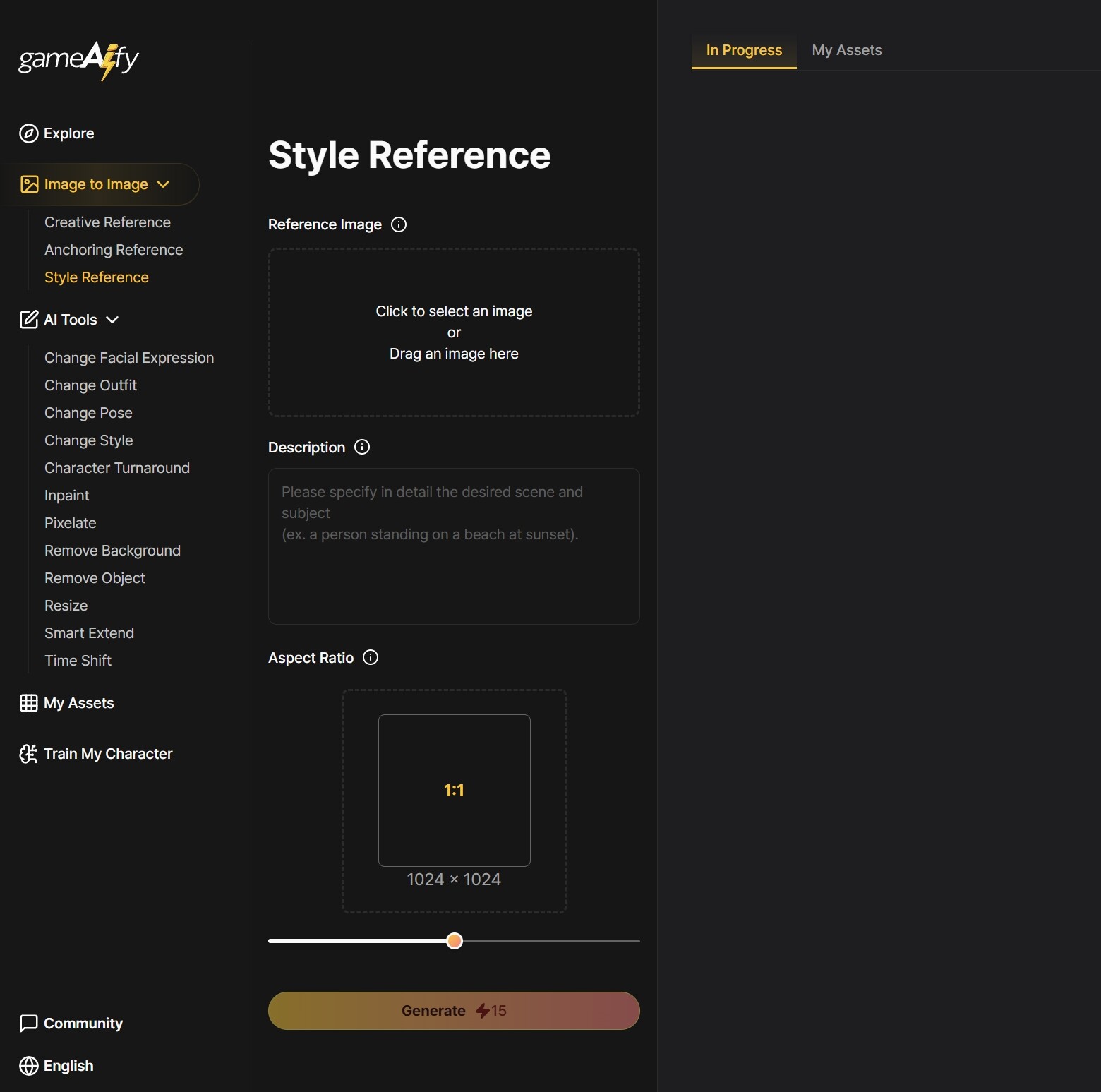
2. Upload a reference image
- Upload the base image (style reference) whose style you want to reflect.
- Supported formats: JPG, PNG
- Supported resolution: 512px - 2048px
3. Enter additional text prompts
Enter the content of the new image you want to generate in the style of reference.
ex) Steampunk airship flying in the sky / A person standing on a beach at sunset
4. Set aspect ratio
- Set your desired image ratio.
- 2:3: Images with a large vertical ratio, such as mobile vertical backgrounds or characters.
- 1:1: Images with a 1:1 ratio, such as characters, objects, or icons.
- 3:2: Images with a long horizontal shape, such as backgrounds.
5. Click [Generate]
- The AI will extract the style and generate a new image in accordance with the entered description.
- Output image: PNG
Examples:
| Reference | Description | Result |
|---|---|---|
| Watercolor style landscape painting | Snowing city street | Generates a snowy street image in the same watercolor style |
| Anime-style character | Girl in a spacesuit | Generates a character in a space background in Anime-style |
 Notes
Notes
- Style extraction includes the overall linework, shading, color palette, and background atmosphere.
- The subject/content of the reference image and the generated image must be different in order to produce natural results.
- Complex text or logos within an image are not transferred as part of the style.