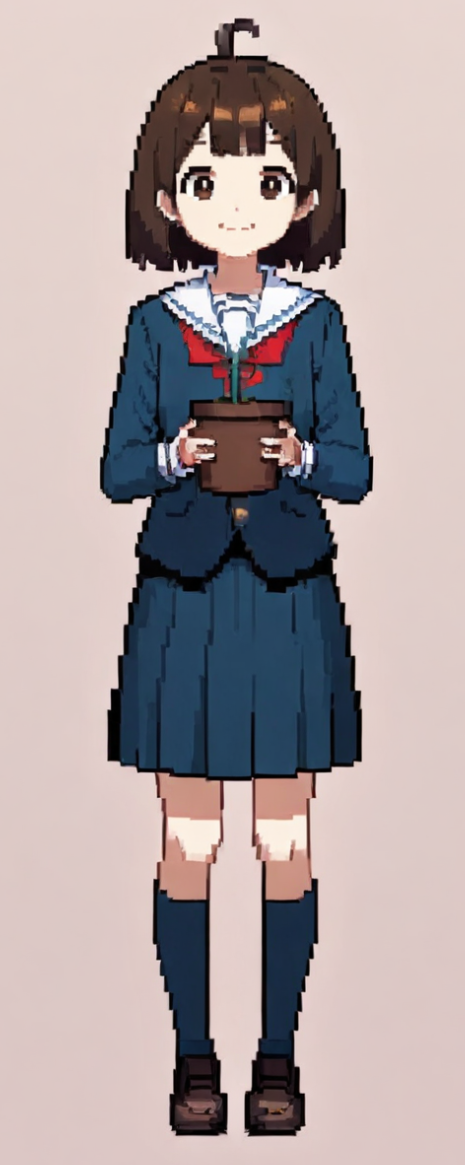
Train My Character is a brand new preset feature where you can use your own character to train and create My Character preset that’ll enable you to create new assets using your trained character as the genesis.
- Note: Currently available only to Basic/Pro subscribers and users that own Purchased Credits for a time being.
How to Train My Character
Step 1. Upload Source Image
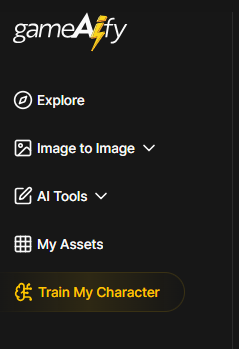
Log in and click on [Explore] on the left sidebar.
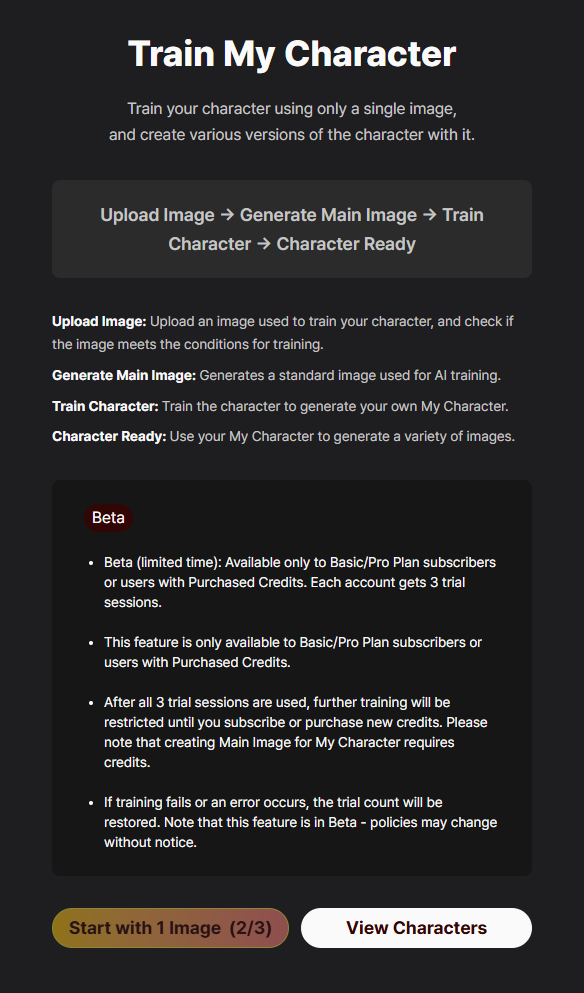
Select an image to train and begin training by clicking on [Start with 1 Image]
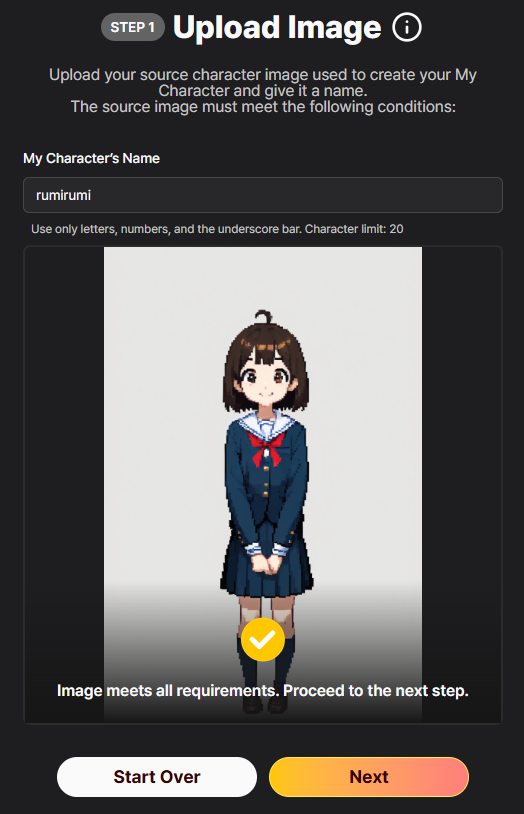
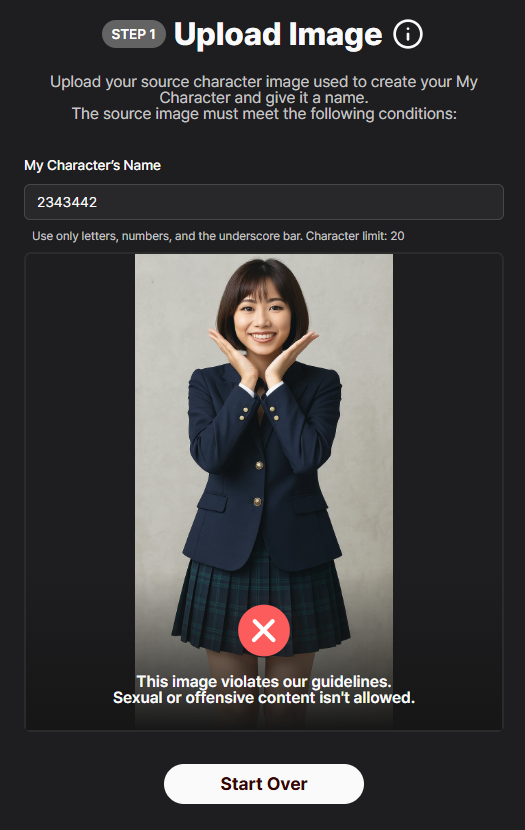
Upload your character image to be used for training, enter the name of the character, then click on [Submit For Review]
The uploaded image must adhere to the following standards:
- Must be between 512 and 2048 px.
- Must not be sexual or offensive content.
- The whole character must be shown from head to toe, front-facing, and clearly visible without any effects or objects covering any part of the body.
- The character must depict natural, human-like body proportions.
- The image must not include watermarks, signatures, or any text.
- Preset name must not exceed 20 characters, and can only contain letters, numbers, and the underscore bar.
If the image meets all requirements, press [Next] to proceed to the next step.
If the image does not meet the requirements, an error message will appear.
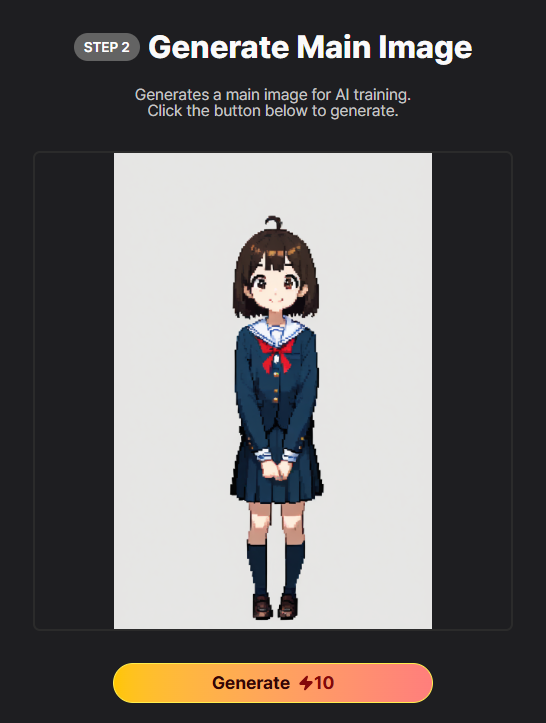
Step 2. Generate Main Image
Click on [Generate] to generate the main image used for training My Character.
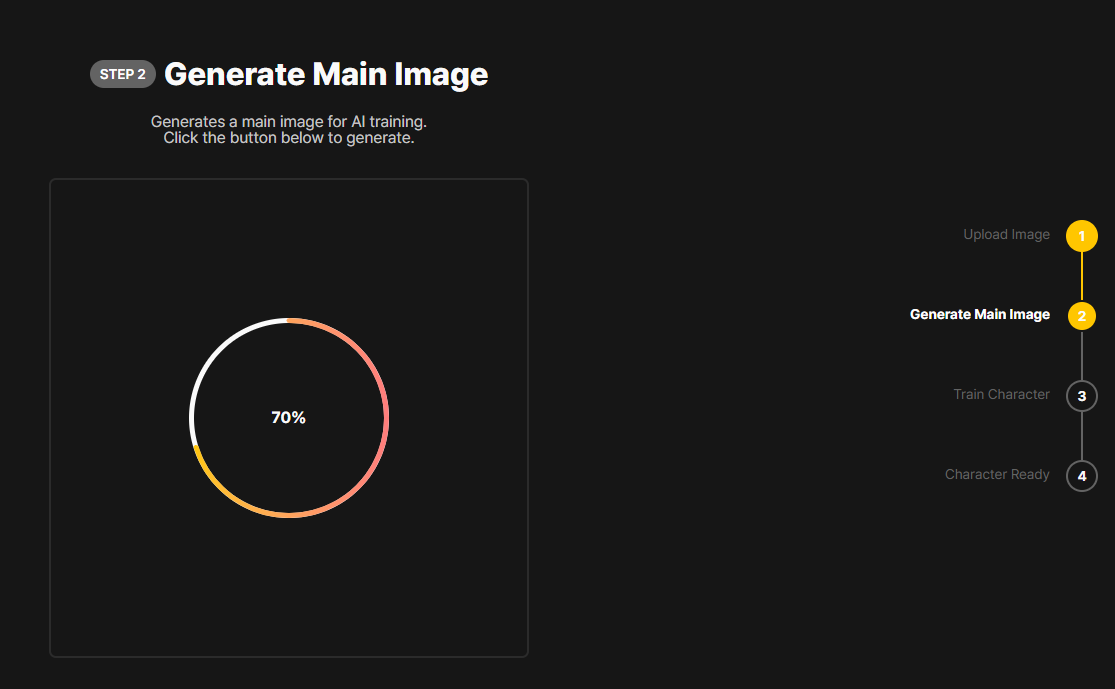
Once the main image is generated, review the image and proceed by clicking on [Next],
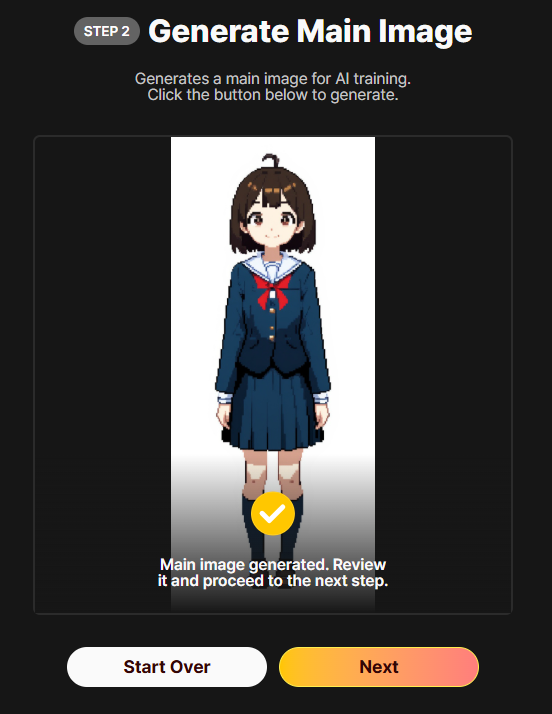
Step 3. Train Character
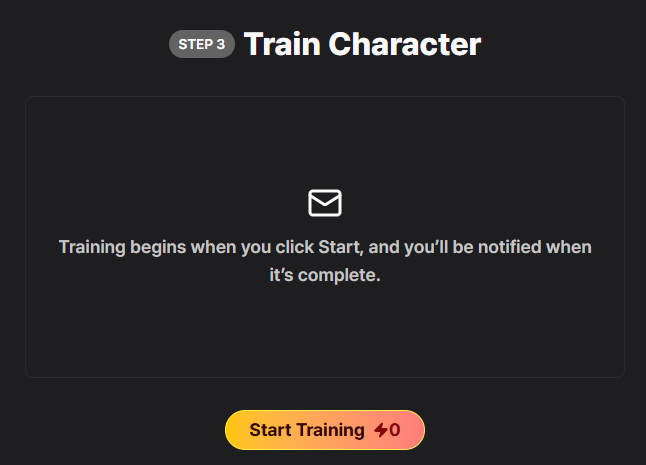
Once the main image is created, begin training by clicking on [Start Training].
Because the training takes up around 4 hours, we will notify you via email when the training is completed.
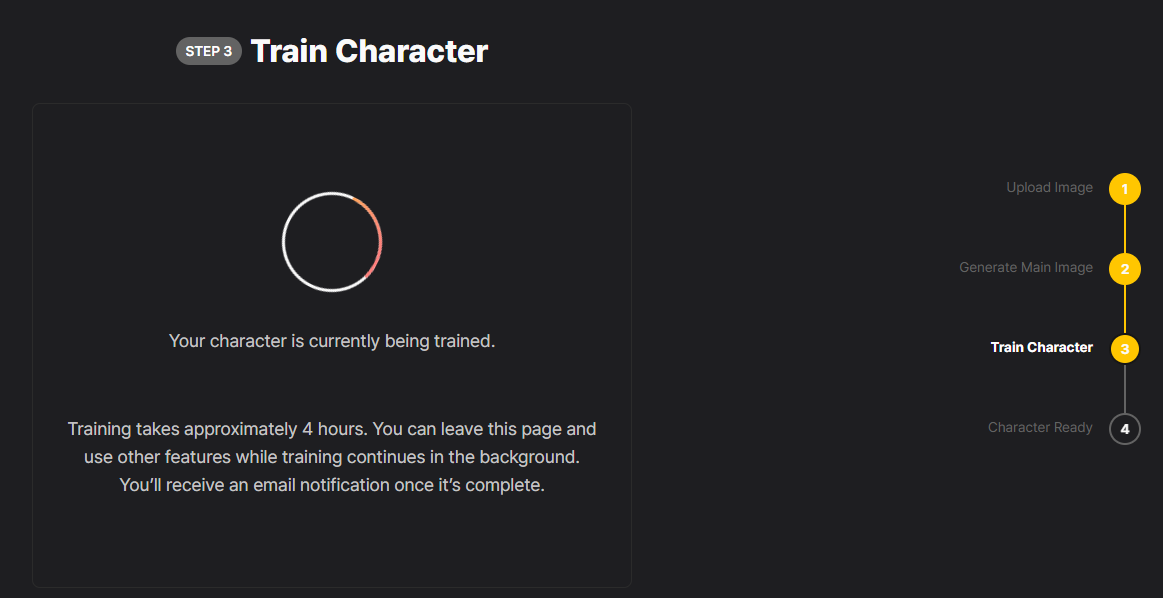
Once the training is complete, you will receive an email alerting you that My Character is ready.
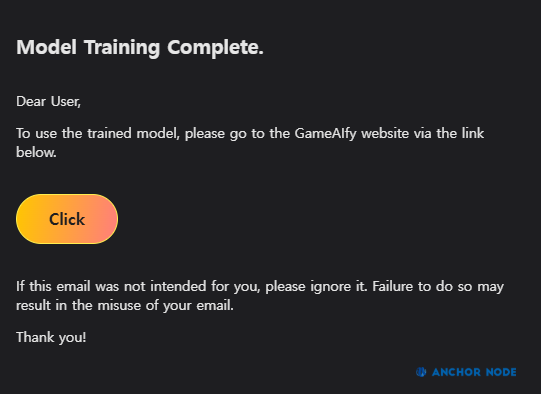
Step 4: My Character is Ready
Clicking on the button will redirect you to the [Explore] page, with your character now applied as a preset.

If you wish to change the preset, click on the button and change the preset to your liking
Use your new My Character preset to generate new assets!