Here, we will explain GameAIfy’s Generate feature, which has been updated to allow you to create higher-quality images than before by simply entering text.
What is LLM-based?
GameAIfy has adopted an LLM (Large Language Model) approach to provide you with more convenience in AI image generation, acting as a smart assistant that automatically configures appropriate prompts.
No longer do you need to painstakingly write prompts in English; simply describe the image you want in natural, everyday language, and it will be generated into an appropriate image.
To find out how to use GameAIfy’s convenient image generation AI more conveniently, see below.
 How to Use “Generate” to Produce Image
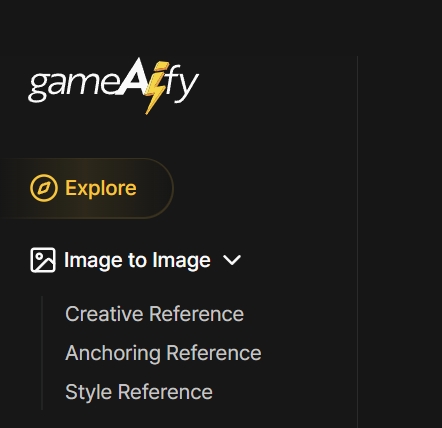
1. Go to [Explore]
2. Check “Generate” located in the upper right corner

3. Describe the image you would like to generate in everyday language
Ex) “A side-view game background with a desert setting. Ancient ruins are present, and it has a dusty feel. With warm colors.”
4. Detailed Settings
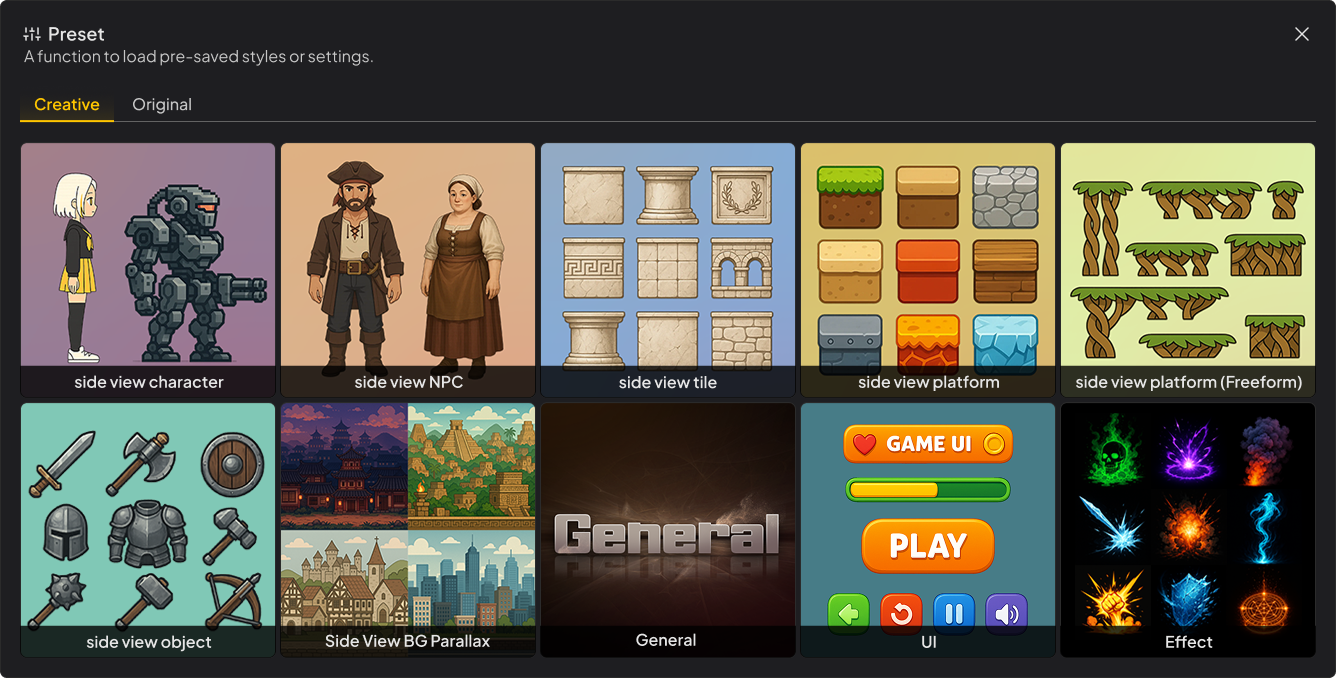
i) Set “Preset,” an image generation guide template for faster and more accurate depiction of your desired image.
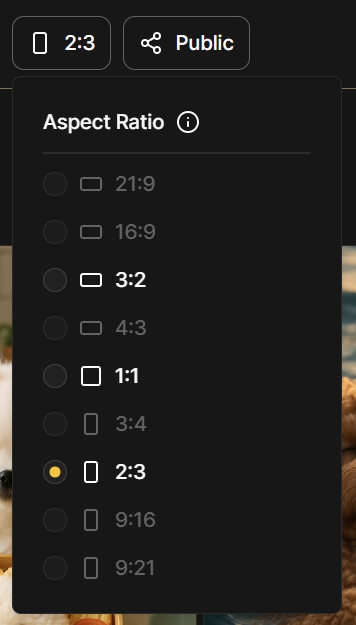
ii) Set the aspect ratio of your output
iii) Set “Share on Explore” to set up public visibility of your output
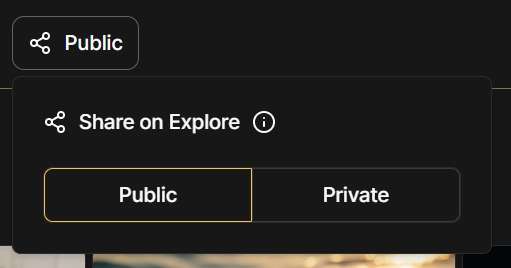
- If set to Public, all generated images will be automatically published on [Explore].
- If set to Private, they will only be visible to you in [My Assets].