Here’s a hot new feature that will provide some much needed convenience in creating consistent game assets: Nano Reference, taking full advantage of Nano Banana.
 What is Nano Reference?
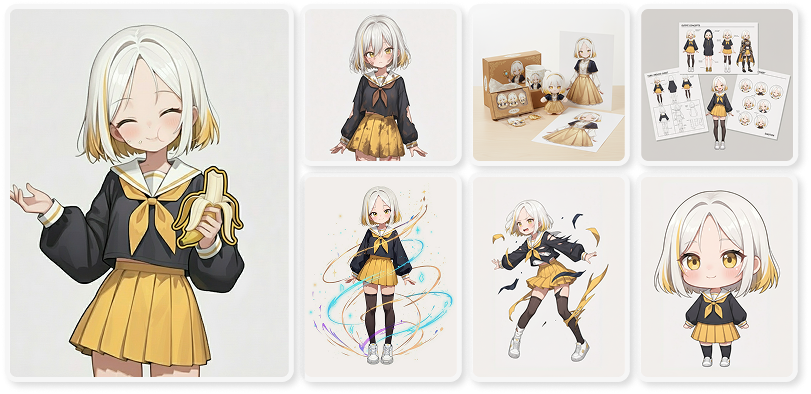
Nano Reference is a feature that utilizes Gemini 2.5 Flash Image API (aka Nano Banana) to generate images that preserve the reference image’s consistency while faithfully incorporating its context and description.
Users can currently use a maximum of 2 reference images for a single output, with plans of supporting 3 or more reference images in the future.
 How to Use Nano Reference
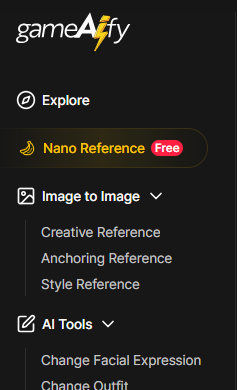
1. Go to [Nano Reference] on the left side of the window
2. Upload reference images
- You can select 1 or 2 reference images to be used for the output, either through upload or through My Asset.
- The uploaded image must adhere to the following standards:
- Size: Must be between 512 x 512 and 2048 x 2048 pixels.
- Content: Must not be sexual or offensive content.
3. Enter additional text prompts
- Describe the image you want to regenerate based on the uploaded image.
- You can specify a particular style, atmosphere, or an element.
(ex: “like a cyberpunk city”, “like a medieval forest queen”)
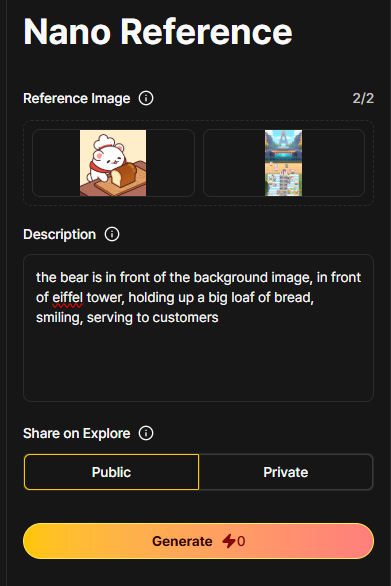
4. Select share mode - Public (everyone can see it) or Private (only you can see it)
5. Click Generate
- The AI will analyze the original and generate outputs that are faithful to the original reference image.
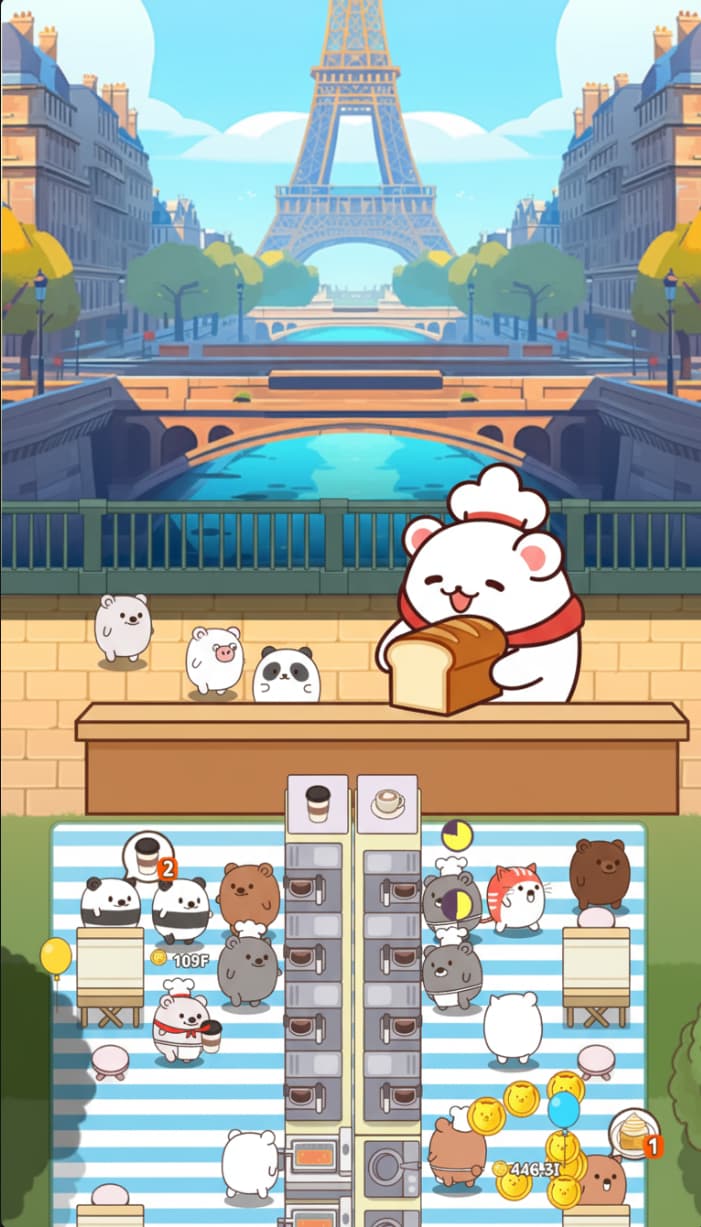
TRY IT NOW → GAMEAIFY.COM