Preset is a premier feature on GameAIfy that allows users to load pre-configured settings (ex. style, components, aspect ratio, and detailed parameters) when generating images..
Today, we release a new set of presets that feature optimized pre-configured settings for game assets - Original Presets.
To access them, here’s how to get started:
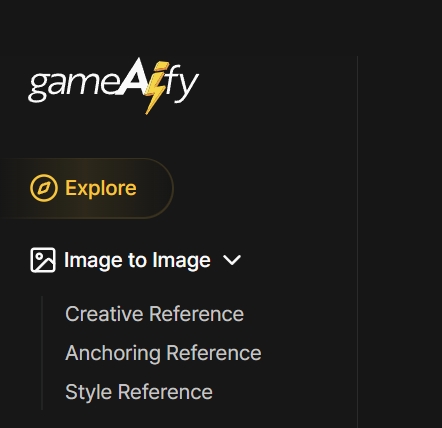
1. Log in and click on [Explore].
2. Type your vision in prompts
(ex. “man wearing blue suspenders, white hair, long beard, holding an open book on his right hand, wearing a white dress shirt underneath the suspenders”).

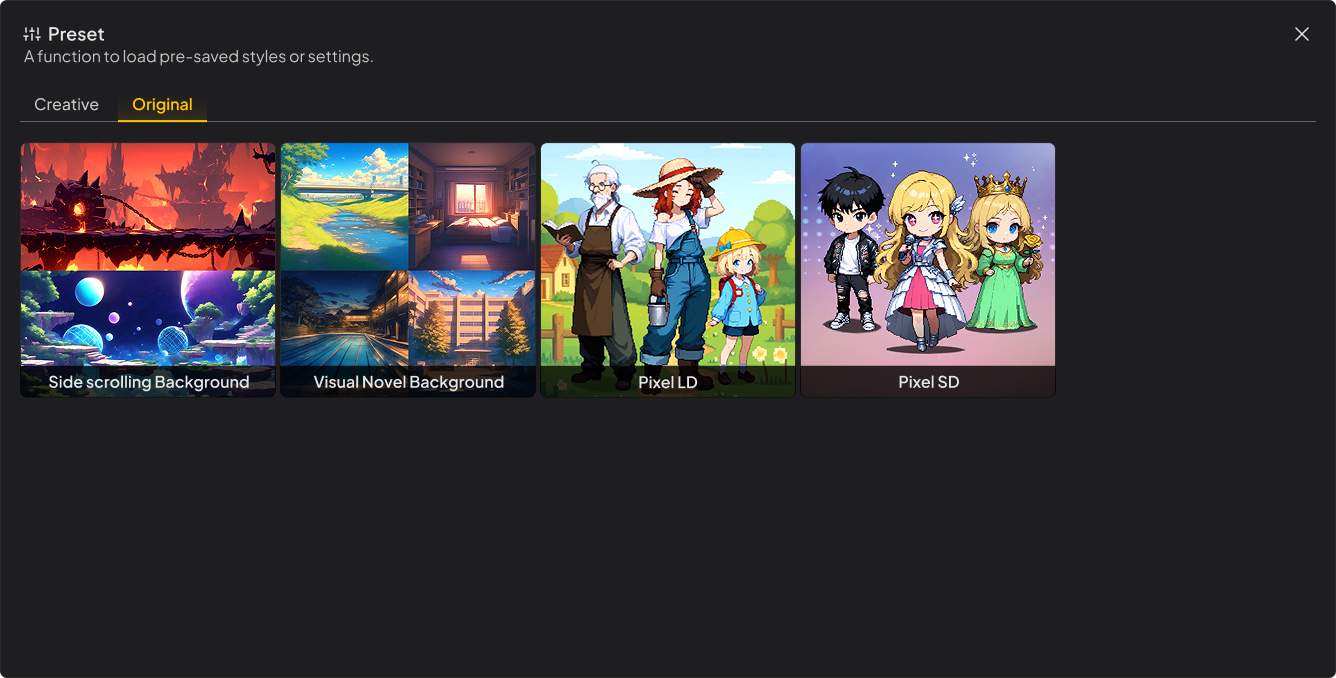
3. Use Original Preset: Click on [General] at the bottom of the prompt window → click on [Original]
4. Select ratio, hit [Generate] and watch the magic happen!
One of the settings that highlight the strengths of Original Presets is that it offers 9 different Aspect Ratios for outputs compared to 3 for regular Presets.
| Ratio | General Preset | Original Preset |
|---|---|---|
| 21:9 | X | O |
| 16:9 | X | O |
| 3:2 | O | O |
| 4:3 | X | O |
| 1:1 | O | O |
| 3:4 | X | O |
| 2:3 | O | O |
| 9:16 | X | O |
| 9:21 | X | O |
And here’s the detailed description of the Original Presets that are currently available.
| Preset | Description | Tip |
|---|---|---|
| Pixel LD (Normal) Character | Pixel art preset for characters with balanced proportions | Ideal for any pixelated artwork that does not require exaggerated cuteness from characters |
| Pixel SD Character | Pixel art character preset with exaggerated, cute proportions | Prompt with a focus on body parts that are exaggerated: eyes, head, clothes, etc. |
| Visual Novel BG | Static background image that depicts the settings and location of a particular scene | Prompt in detail to create a scene that encapsulates the mood and the scenario in which the character is in. |
| Side-Scrolling BG | Optimized background image for side-scrollers | Offers 9 different output ratios compared to Side-View BG Parallax |
- Original Presets will be continuously updated. Feel free to suggest any presets you need via Feedback in the forum at any time.