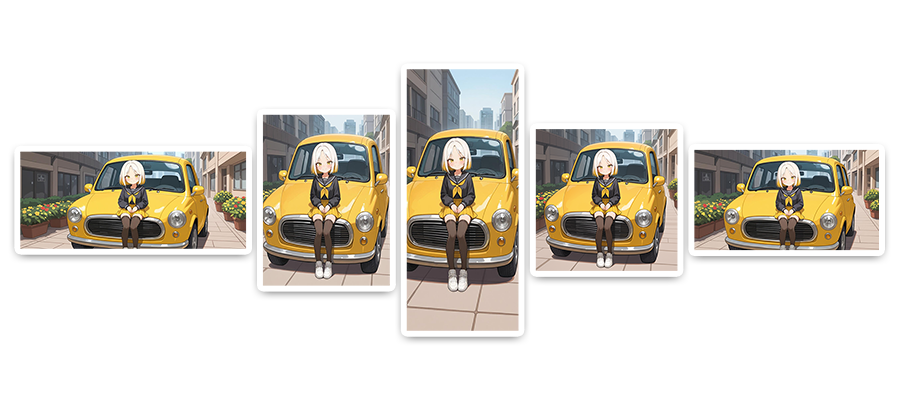
Beyond the limitations of existing methods that simply stretch the original image, we introduce Smart Extend, which allows AI to proactively reinterpret and creatively expand images to seamlessly fill them.
 What is Smart Extend?
Smart Extend is an AI-based image expansion feature that, unlike simple image stretching techniques, transforms and crops images while naturally fitting them to the selected canvas. Use it when you need AI to intelligently expand an image and naturally fill empty spaces, even in situations where the ratio or composition cannot be maintained as is.
 How to Use Smart Extend
1. Go to [Smart Extend]
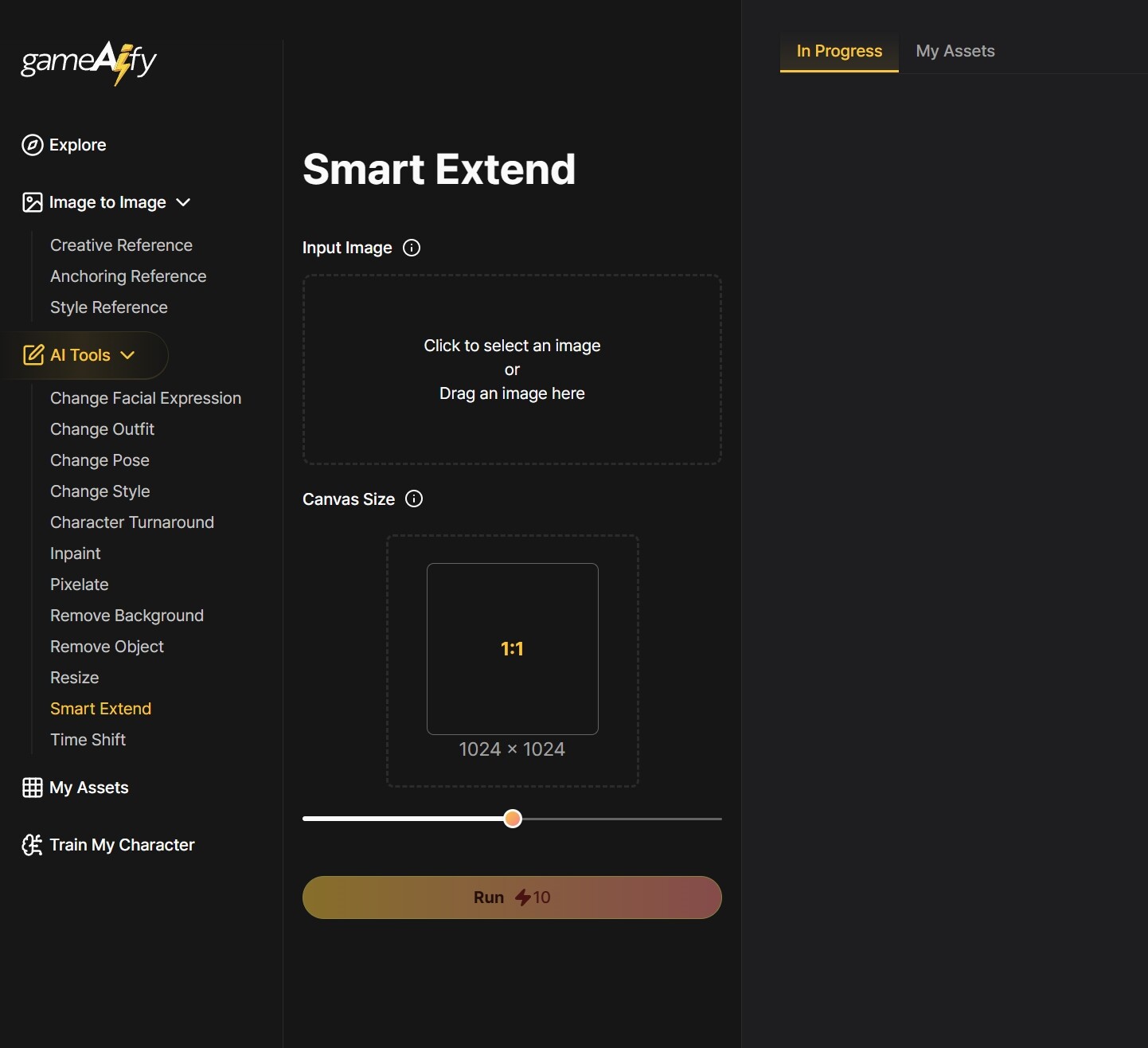
2. Upload the original source material at Input Image
- Upload the original image you want to expand.
ex) Character illustrations, game backgrounds, photos, etc.
3. Select Canvas Scale
- Select the desired size or ratio of the final output image
ex) 1:1, 21:9, etc.
4. Click [Run]
- Check the changed image and save it.
 Notes
Notes
- Important elements of the original image may get cropped, so be sure to position them centrally beforehand.
- The greater the difference between the original and new canvas aspect ratios, the more potential there is for distortion.
- Result quality can vary based on image resolution and composition—try several times to find the best outcome.